Digital Wellbeing alternative: stop skipping your own limits
You set a timer on Instagram. It runs out. You tap “Ignore” and keep going. If that sounds familiar, the problem isn't you: it's that the exit is one tap away. Lock moves that exit to an NFC tag in another room.
By Nathan, creator of Lock ·
4.8/5 on Google Play
- Both are free Digital Wellbeing ships with Android. Lock is free on Google Play.
- One is a suggestion Digital Wellbeing limits can be lifted in a couple of taps.
- The other is a door Lock only unlocks when you tap your NFC tag again.
Why app timers don't stick
Screen time tools fail for the same reason diets do: the limit and the way out live in the same place, and the way out is always closer.
-
The exit is in your hand
When the timer ends, the button to keep going is right there, on the same screen.
-
You negotiate with yourself
“Just five more minutes” wins every time, because nothing stands in the way.
-
Friction is what works
A short walk to a tag turns an automatic reflex into a real decision.
The same evening, two setups
A typical Tuesday, with an Instagram limit set at 1 hour.
With Digital Wellbeing
- 21:00 Your Instagram timer runs out.
- 21:01 You tap “Ignore for today”. Just five minutes.
- 22:40 Still scrolling. The evening is gone.
With Lock
- 21:00 You tap your phone on the tag by the door.
- 21:20 You reach for Instagram. It's locked, the tag is in the hall.
- 22:40 Twenty pages into your book.
Lock vs Digital Wellbeing at a glance
| Feature | Digital Wellbeing | Lock |
|---|---|---|
| Physical gesture to unlock | None | Any NFC tag |
| Can't be bypassed | Toggle off in app | Physical only |
| Cheap, replaceable hardware | N/A | About €0.50 per tag |
| On-device, no account | Google account | Zero cloud |
| Price | Free | Free forever |
Honest comparison. Digital Wellbeing features vary by phone and Android version.
Keep Digital Wellbeing, add Lock in three steps
-
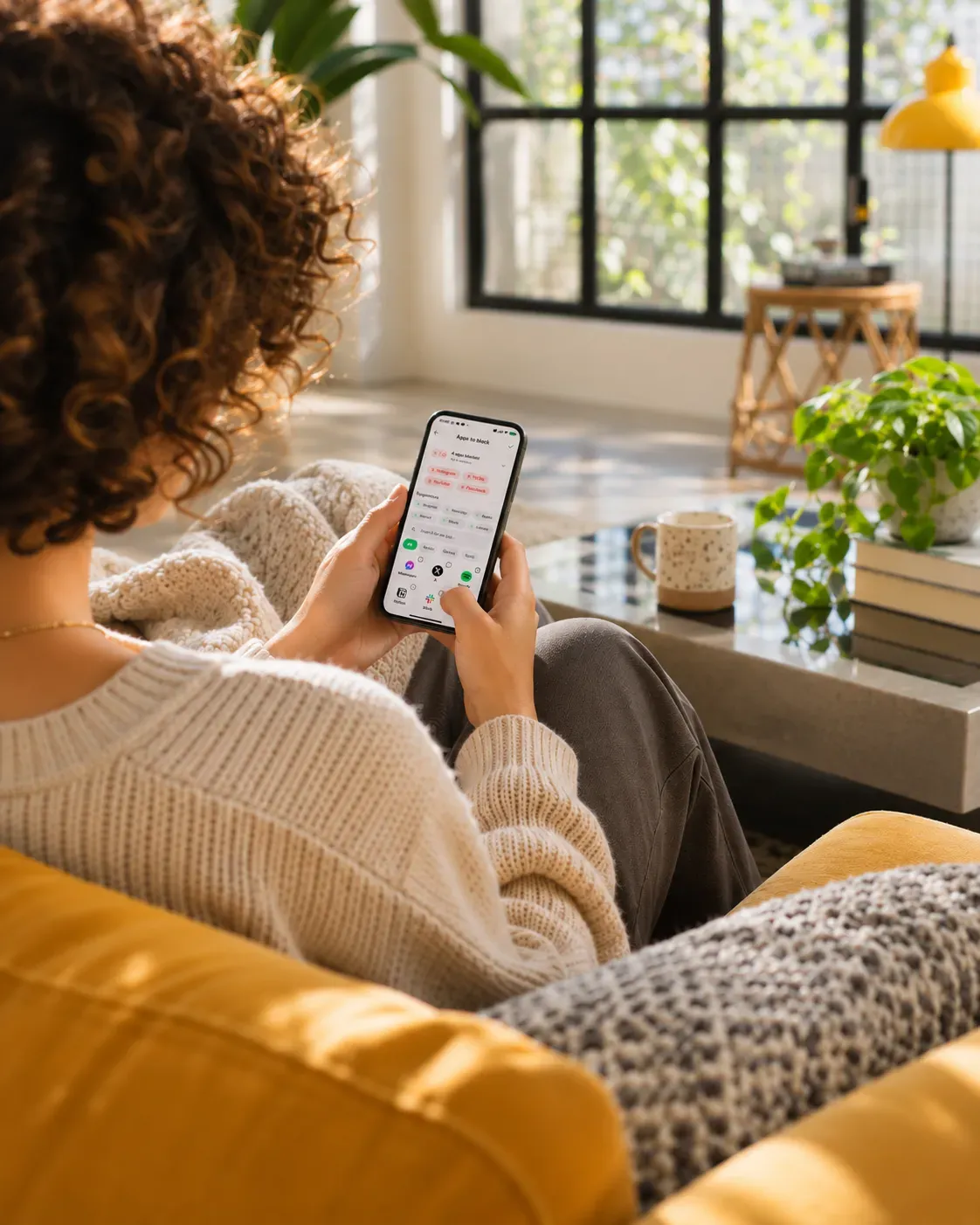
Choose the apps to block
Pick the ones that pull you in. Keep the rest, like Slack or WhatsApp.
-
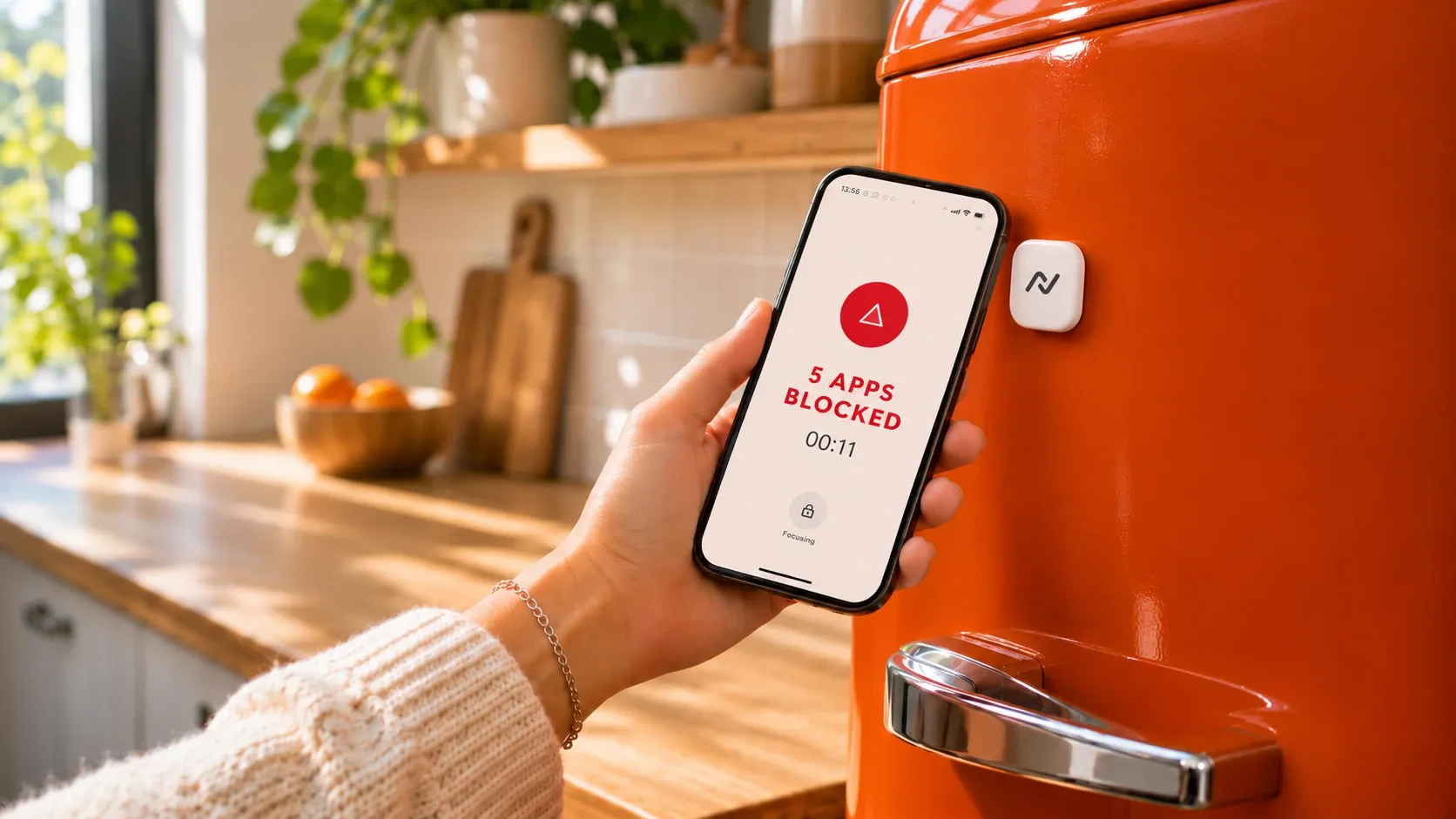
Scan the tag
Lock works with the vast majority of NFC tags on the market, often for less than €1.
-

Get your time back
Your apps stay blocked, and you have to scan the tag again to use them.
Digital Wellbeing and Lock: common questions
Why can I ignore my Digital Wellbeing limits?
Because the limit and the way out are on the same screen. Digital Wellbeing is built to remind you, not to stop you.
Can I use Lock and Digital Wellbeing together?
Yes, they don't get in each other's way. Keep Digital Wellbeing for its usage figures, and use Lock for the apps you keep reopening.
Can Lock block apps at night, like Bedtime mode?
Yes. With scheduled blocking, you pick the days and hours, and Lock locks itself on that schedule: at night, in the morning or during work hours.
Does Lock block websites too?
Yes. You can block websites along with apps, so Instagram in a browser stays blocked too.
What if I'm stuck far from my tag?
Your apps unlock on their own after 5 hours by default. You can change that delay in the settings, down to a minute or up to no automatic unlock at all.
Is there an iPhone version?
No, Lock is Android only. On iPhone, look at Foqos, a free and open-source app built on the same idea.
Stop negotiating with yourself.
It's a weirdly physical feeling. Quiet, almost. You'll like it.
No account, no ads